
How to Generate an Adult Futanari AI Character
Open a character builderA repeatable adult character begins with a short visual specification, not a maximal prompt. We use a six-step process: choose an original clearly adult identity, fix the medium, write stable traits, render a neutral reference, review the result and change one variable at a time. This guide does not promise that any one provider will accept every concept or generate it consistently. It gives you a way to test the tools reviewed on this site without spending credits on avoidable guesses.
Every character shown is an AI-generated adult. No real people are depicted.
How to Use a Futa AI Generator Step by Step
Define an original adult
Write that the character is a fictional adult and choose mature, unambiguous facial and body cues. Avoid names or likenesses of real people unless you have permission. A neutral age description is not enough if the visual style makes the person appear underage; review the first output with that in mind. Decide whether the art should be illustrated or photo-like before you choose clothing or scenery. This first decision keeps the subsequent test focused and makes it easier to reject a result that misses the adult presentation.
Choose one output medium
Pick a still image for the first test, even if the final goal is a video or a chat companion. A still frame lets you inspect face, anatomy, hands and silhouette without motion hiding mistakes. Check the service’s public content rules and current plan first. CandyAI publishes adult images and a token allowance; LoveScape documents image generation with Chips. Our reviews explain those differences. If the platform only provides chat, it may be the wrong starting place for a visual-first project.
Write a compact character sheet
Fix four or five traits that should survive every scene: face shape, hair, body type, palette and an identifying detail. Add visual style, camera distance and lighting as separate controls. Keep personality and story in a short second paragraph if the same persona will enter chat. The point is not to describe every possible detail; it is to make the first result comparable with the next. Save the exact sheet before changing a setting, so you can trace drift rather than guessing why the identity changed.
Render a neutral reference
Use a clean three-quarter or full-body frame with enough light to inspect the design. Ask for a simple standing pose and uncluttered background before more complex scenes. This neutral image becomes a reference for later variations. Record the settings, model choice and credits charged. If the first image misses a core identity trait, correct that trait before requesting video or multiple angles. Several elaborate retries without a stable reference are a fast way to spend money without learning what the generator can actually control.
Inspect the first output
Check that the character reads as an adult, the face is coherent, joints and hands make sense, and the central fantasy anatomy is intentional rather than an accidental visual artifact. Compare the output with the fixed sheet rather than with a gallery image made under unknown conditions. If a feature is unclear, simplify the frame instead of adding more adjectives. For a realistic style, look carefully for resemblance to an actual person; a fully original design avoids an unnecessary rights problem.
Change one variable, then compare
Make the second image with only one changed element: pose, setting, expression or outfit. Keep the fixed traits and style identical. That paired test reveals whether the tool can preserve identity through a controlled change. If it can, move to more complex scenes or a short video and record the extra cost. If it cannot, revise the character sheet or test another service before buying a large plan. Our published comparison is a starting map, not a substitute for this small, honest experiment.
Budget an AI Futa Generator Test
Define the test budget before selecting a subscription. Count one neutral image, one controlled variation and, only if those work, one short motion clip. The relevant price includes credits, not just the monthly headline. CandyAI’s public plan lists 100 monthly tokens. LoveScape’s help center explains that image generation uses Chips and buying more requires a subscription. Those systems are not directly comparable until you see the live cost of each action.
Do not assume a failed render is free. Read the current product interface for refund, retry and renewal rules. Save the generation settings and charge after each attempt. If the niche is restricted, stop rather than buying more credits to overcome a rule the product does not support. CandyAI’s review and LoveScape’s review provide the verified public starting facts.
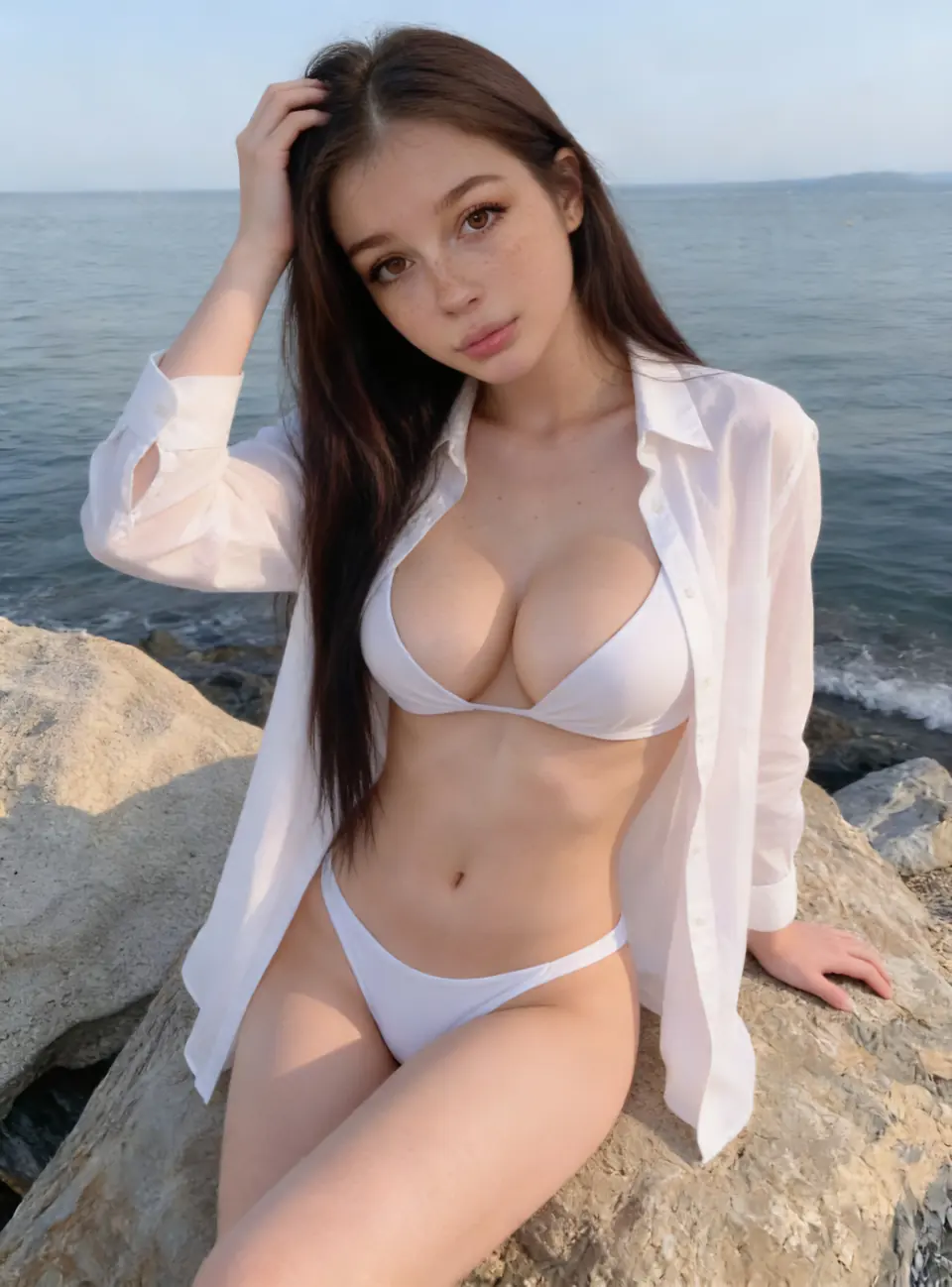
Review Adult Character Consistency
The useful comparison is a pair of outputs from the same saved identity. Put them side by side and ask three questions: is this visibly the same adult, did the requested single change happen, and what new errors appeared? A strong first image that collapses on the second has limited value for a story or gallery. That is why we do not rate a service’s visual quality from its most polished public sample.
For character chat, use the same principle in language. Give the companion a concise background, move to a different topic and return to a fixed trait later. A listed context window or memory feature is not a guarantee that the persona remains coherent. Keep your notes private; a creator should not need to publish personal details or upload a real person’s image to make an original fictional adult.
Once the two-frame test passes, the prompt guide helps you refine the brief without changing too many controls at once. The review method explains why our service table leaves unmeasured output quality blank.
Adult Futanari AI Creation FAQ
How many images should I make before paying for a large plan?
Make the smallest available first test: one neutral reference and one controlled change. The pair tells you more about continuity than a single polished image. Inspect the current cost and rules before adding volume.
Can I use a real person as a reference?
Use an original fictional adult whenever possible. A real person’s likeness requires permission, and a platform may restrict uploads. This guide does not treat an unauthorized lookalike as a valid shortcut.
Should the first prompt be explicit?
A simple, clearly adult reference frame is easier to assess. Confirm the identity, age cues and anatomy before adding complex content. Also verify the current service rules for the intended output.
What if the character changes between images?
Keep the fixed character sheet unchanged and revise only one variable. If the face or proportions still drift, reduce scene complexity or try another documented tool before purchasing more credits.